Barcode Billing
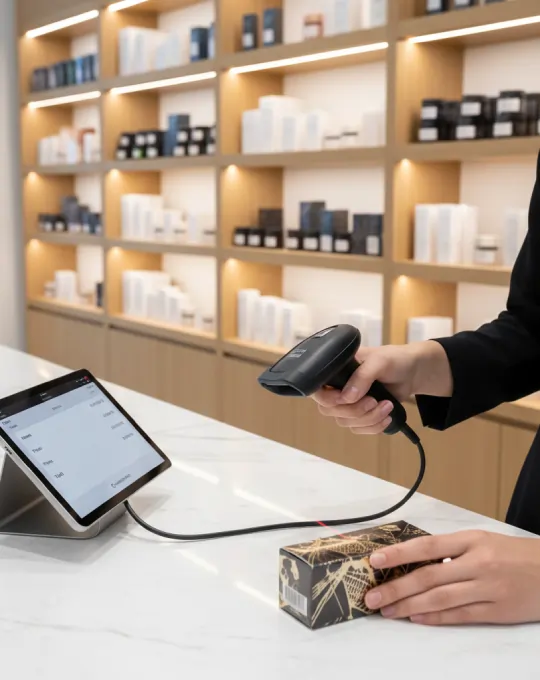
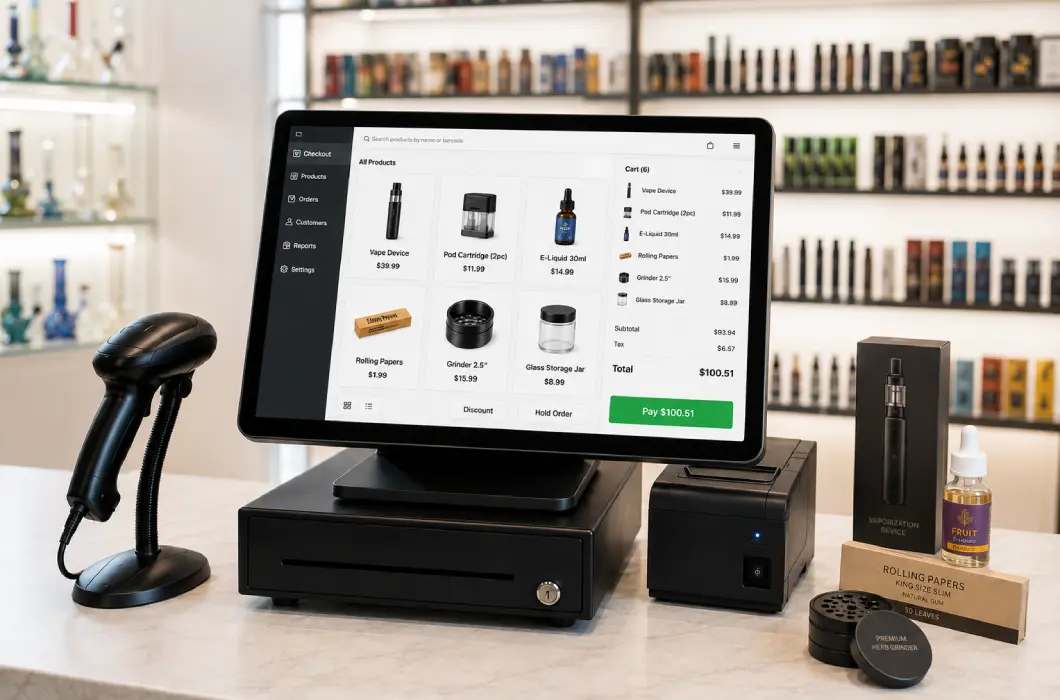
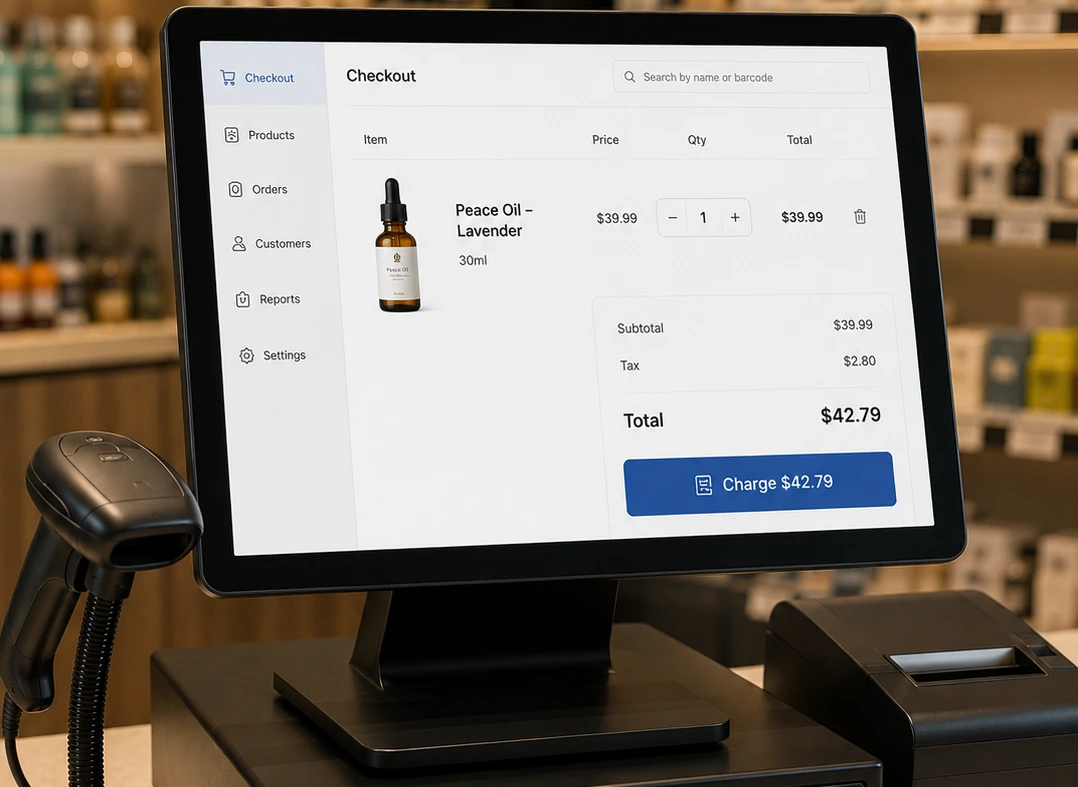
Scan products at checkout to reduce manual search and help staff select the correct item faster.
Business Challenges
A POS system in Florida should support more than basic checkout. It should help the business handle local billing needs, changing traffic, and daily counter pressure with less manual work.
Florida businesses may need billing settings that reflect the store location, product pricing, and return flow. A structured POS setup helps keep those details clearer at checkout.
Customer flow can rise quickly during tourist seasons, weekends, and local events. When the counter gets busy, the POS setup needs to keep billing moving without slowing the customer line.
Florida businesses need a counter setup that stays practical when local conditions change. Offline friendly operation helps supported stores continue billing when internet access is limited.
A business with more than one Florida location needs more than separate registers. Location wise visibility helps the owner review each store with better clarity.
Part time and seasonal staff need a POS flow that is simple to learn and controlled. Role based access helps protect sensitive actions like refunds and pricing changes.
A busy Florida counter depends on more than software. The terminal, scanner, and receipt printer should work smoothly with the rest of the setup during peak hours.
How It Works
A point of sale system in Florida should make checkout easier at the counter and clearer to review after the customer leaves. AlterPOS connects billing, stock movement, and daily store activity in one setup.
01
Barcode billing helps staff find the correct product faster during daily checkout activity.
02
Each completed bill keeps the correct product details and checkout information recorded clearly.
03
Inventory records update with each sale, making product movement easier to review later.
04
Role controls show who handled refunds or other sensitive checkout actions during billing.
05
Store reports make daily activity easier to review without checking individual receipts manually.
See how AlterPOS replaces loose manual steps with a more structured daily workflow.
Core POS Capabilities
A structured POS setup should match the daily work that happens at the counter.The objective is not only to complete the sale, but to keep checkout activity and store records easier to manage together.
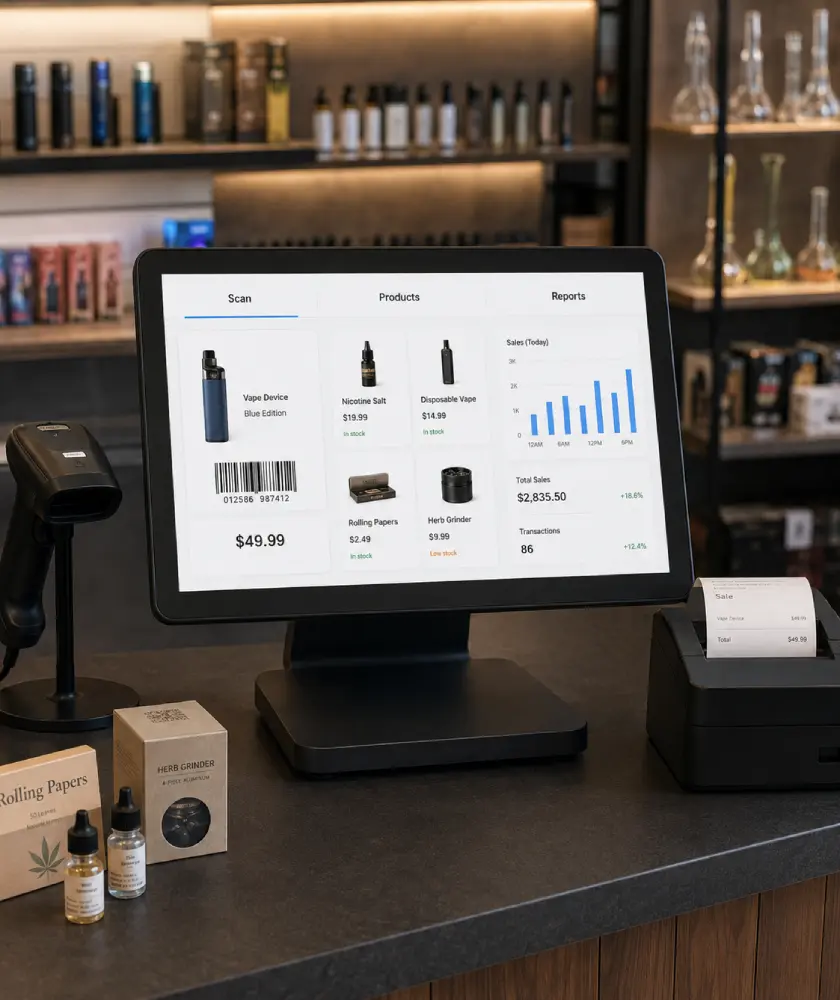
Scan products at checkout to reduce manual search and help staff select the correct item faster.

Set product details and pricing rules around the way the business sells.

Track product movement so fast selling items are easier to review before stock pressure becomes a daily problem.

Review store activity without checking every receipt one by one.
Keep users, access, and location activity easier to review when the business runs more than one store.
From tourist area service counters to specialty stores and larger retail environments, Florida businesses need POS setups that match the way they actually sell.
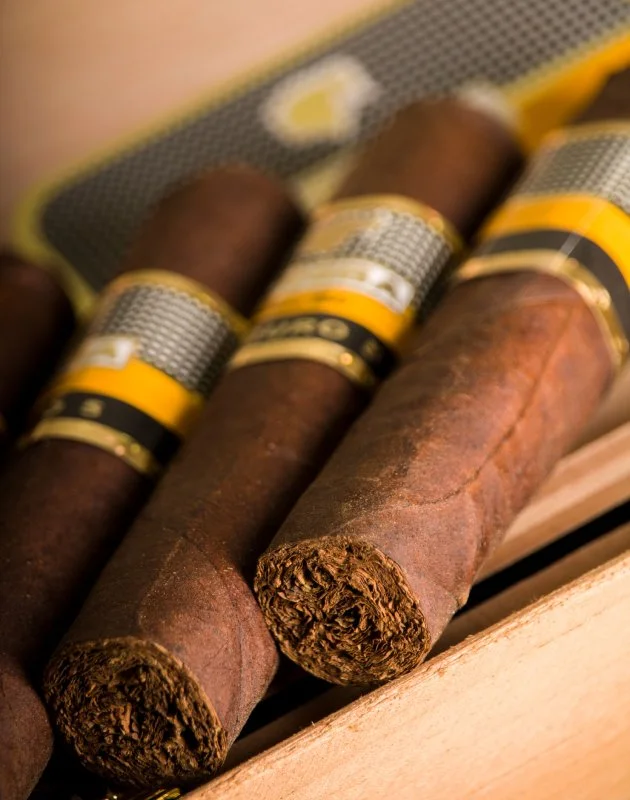
Support barcode billing and stock visibility across smoke shop products.

Keep vape variants easier to find and bill correctly at checkout.
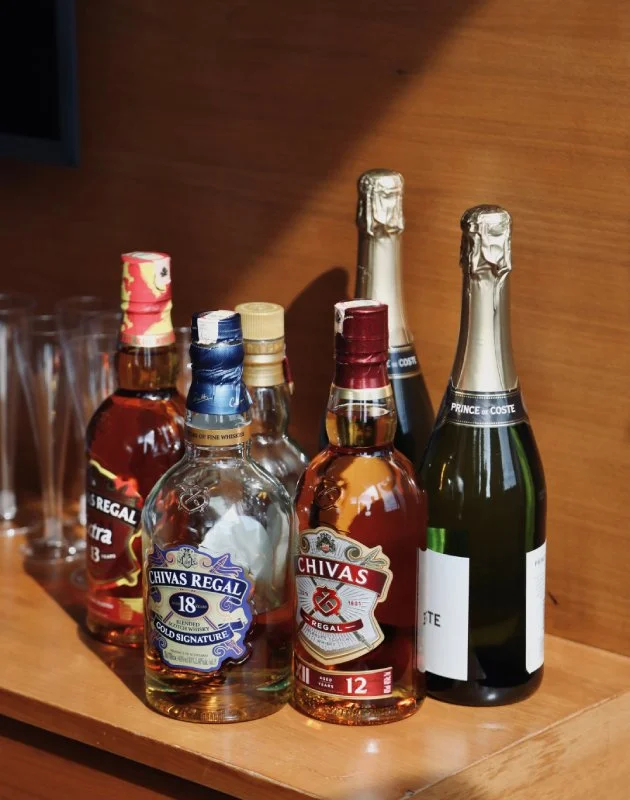
Support accurate billing and clearer stock visibility for beverage products.

Organize mixed specialty products so checkout stays clear and controlled.

Support high use checkout with barcode scanning and clearer counter control.
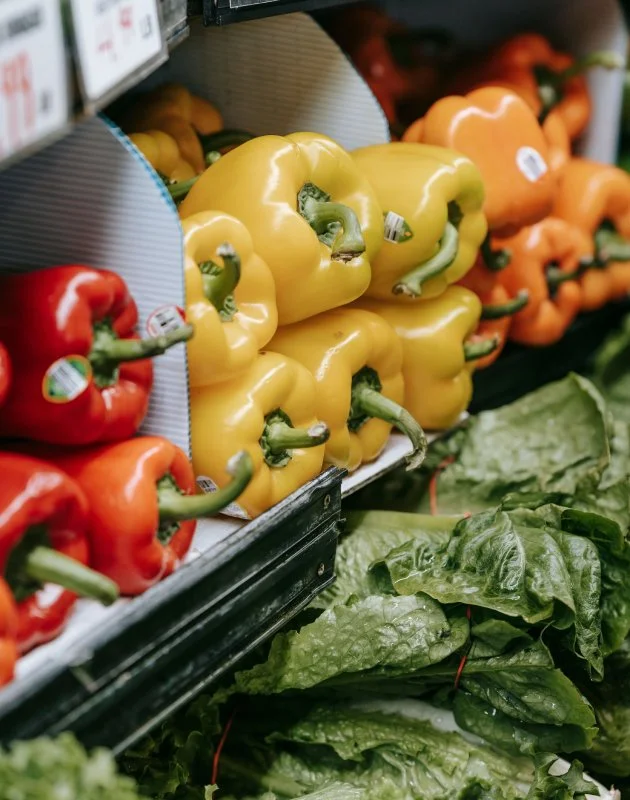
Support high use checkout with barcode scanning and clearer counter control.
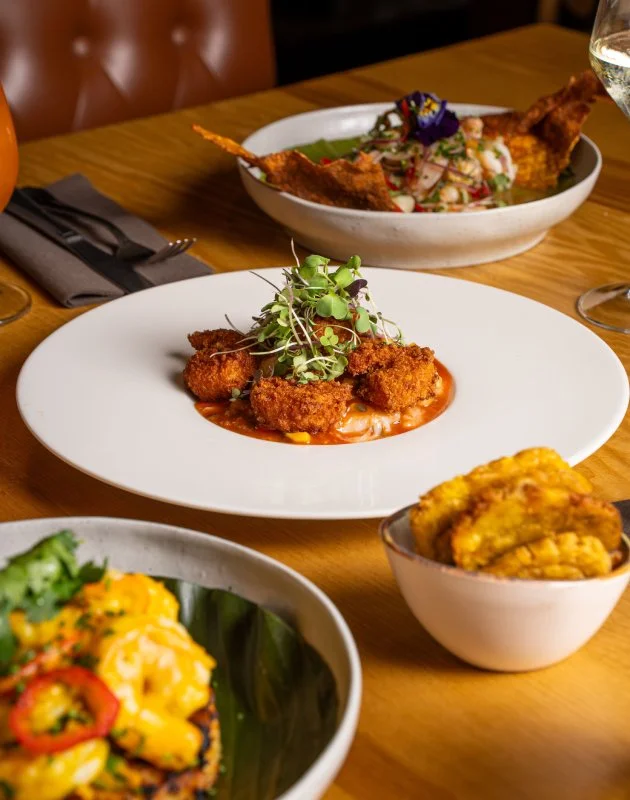
Support order flow and daily counter activity through one structured POS setup.

Keep location activity easier to review across more than one store.
Florida businesses often need a POS setup that reflects local tax needs and real checkout activity. The billing flow should be planned clearly before daily use begins.
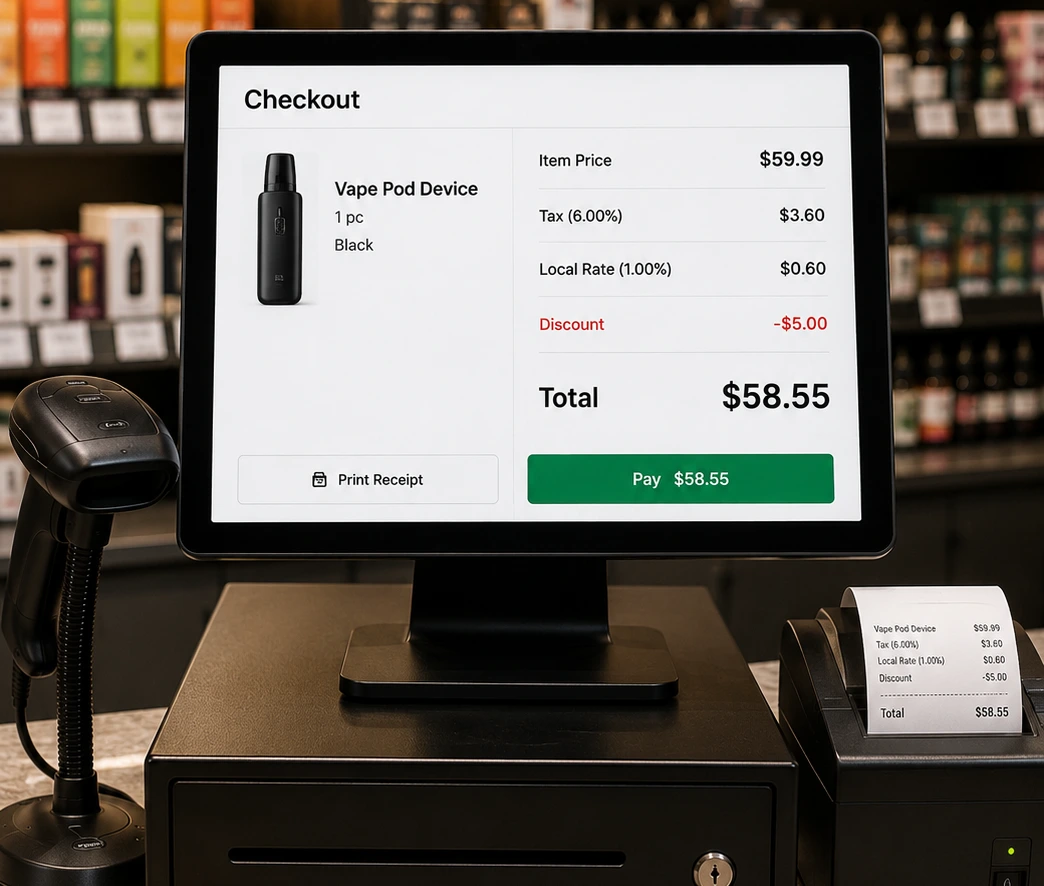
Keep pricing and local tax settings clearer at checkout.
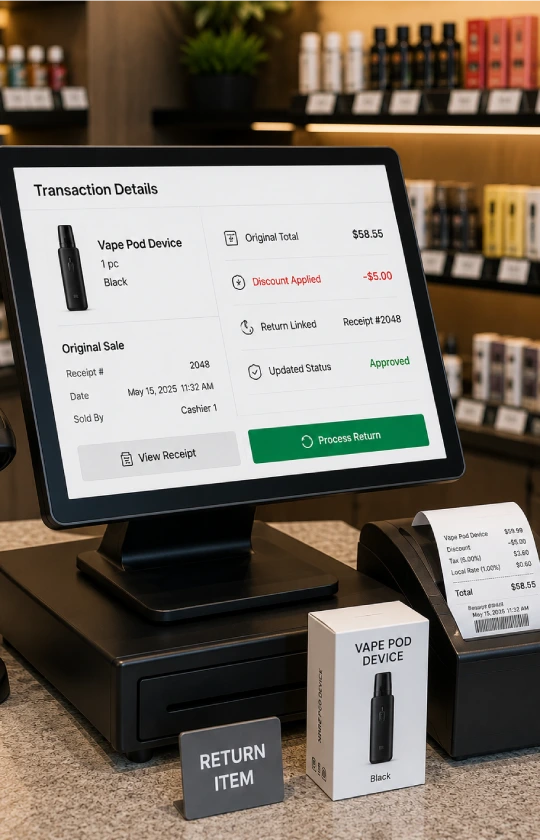

Florida tax needs can vary by location. AlterPOS helps structure billing settings around the store setup.

Pricing stays consistent at checkout, even when the store manages frequent updates or a large catalog.
Promotions follow a controlled POS flow, so the team does not rely on memory during billing.

Returns are easier to review when the original transaction and receipt details stay connected inside the POS.

The checkout flow can be planned so billing stays clearer during daily use.
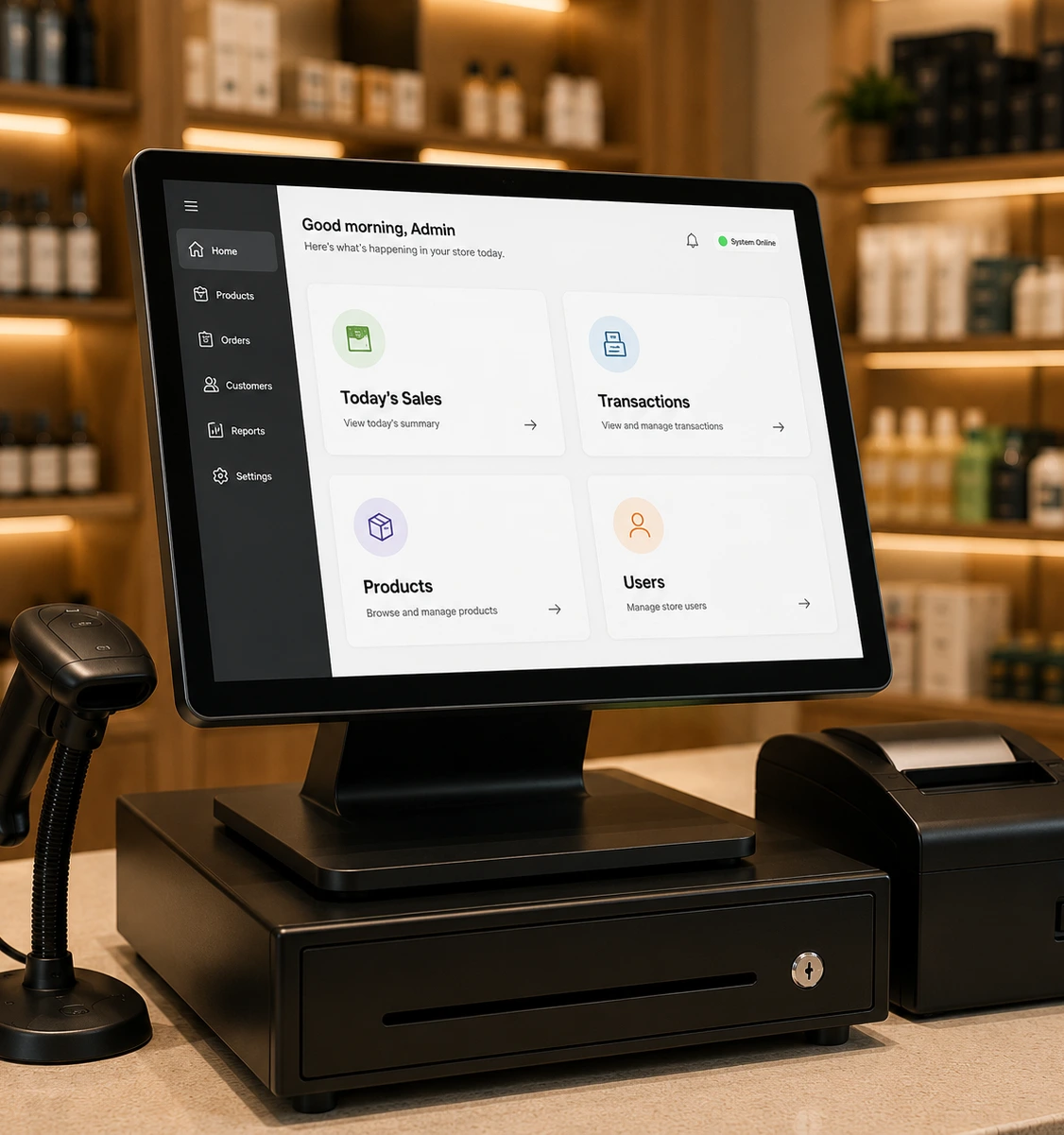
A good POS system should support stable counter work, especially when local conditions are not perfect. AlterPOS is built around reliable local POS access, giving businesses a practical setup for daily billing continuity.

An on premise POS setup helps the store keep key counter work closer to its own environment.
The team can access core POS functions through a setup planned for regular store use.

Business records stay easier to access and review from the store’s own POS environment.

The POS should help the counter keep moving when internet access is limited or store conditions become harder to manage.
Benefits Section
A POS system should help the person at the counter and the owner reviewing the business later. AlterPOS keeps daily activity easier to understand by connecting checkout work with clearer store records.
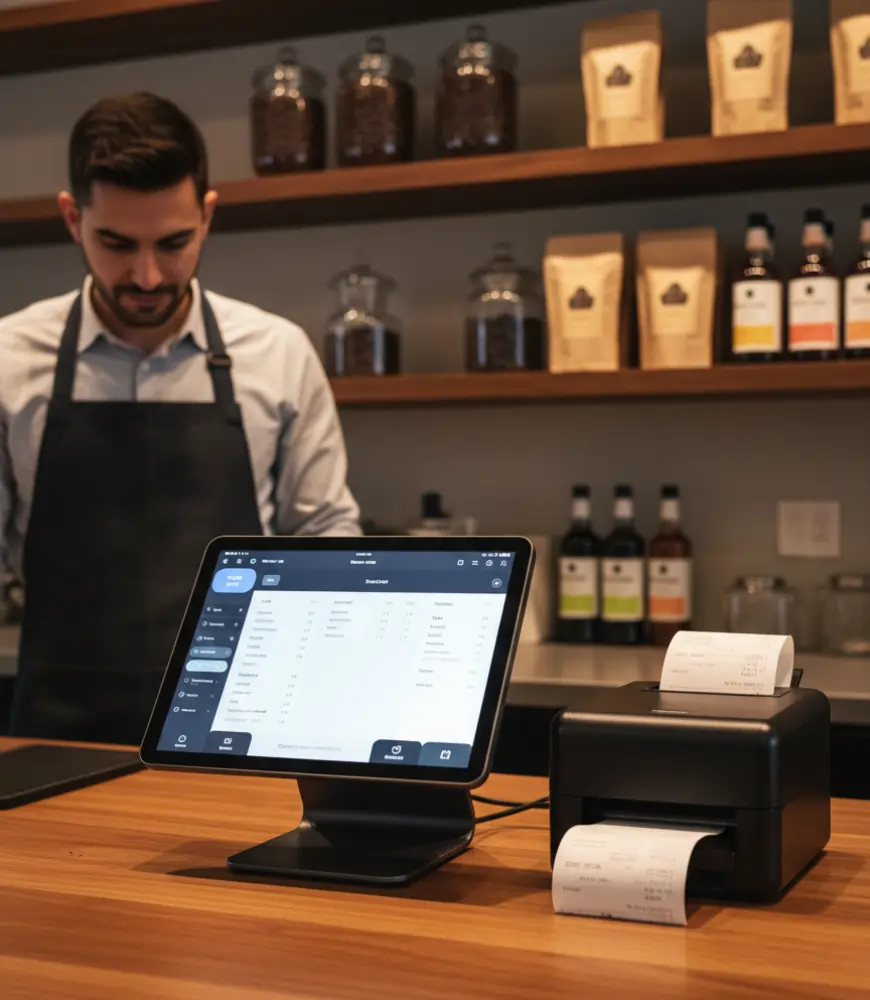

Barcode scanning and connected counter hardware help staff move through transactions with fewer manual steps.

Inventory records make product movement easier to review across busy days and seasonal demand.

Role based access helps the business control refunds, pricing changes, and sensitive POS actions more carefully.
Owners can review store activity when different locations have different customer patterns.
A POS system works better when the setup is planned before daily use begins. AlterPOS helps prepare the counter workflow first, then supports the business through setup, training, and ongoing use.
The daily counter flow is reviewed so the POS setup matches how the business actually works.
The counter equipment is selected around checkout speed, customer flow, and store needs.
Product details and billing rules are prepared in advance so the setup is ready for daily use.
The team learns the main checkout flow and how to handle controlled actions inside the POS.
Support remains available after launch, so the business has help when daily work depends on the POS.
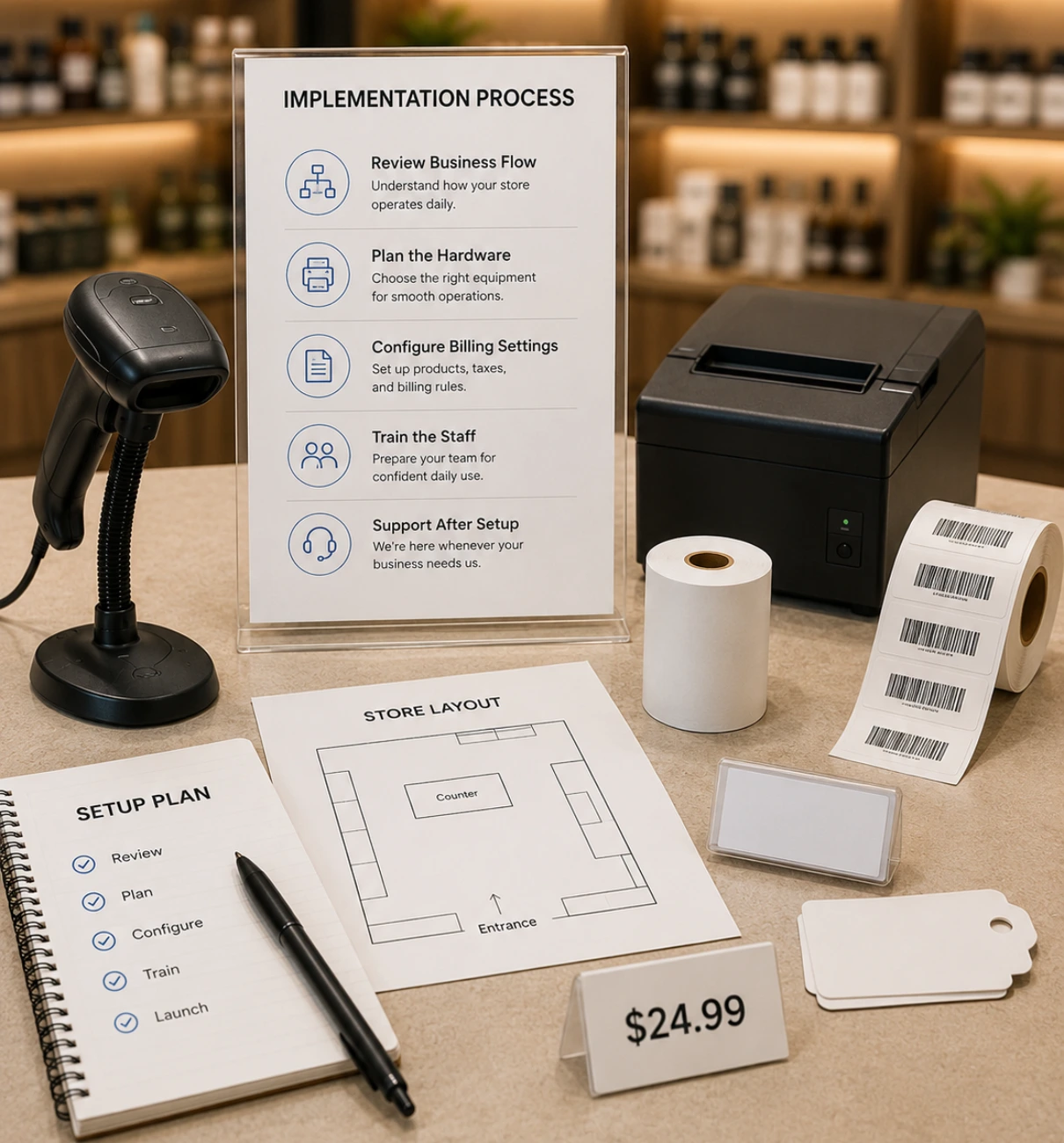
AlterPOS combines the POS setup with guided onboarding, helping the business move into daily use with less confusion after installation.
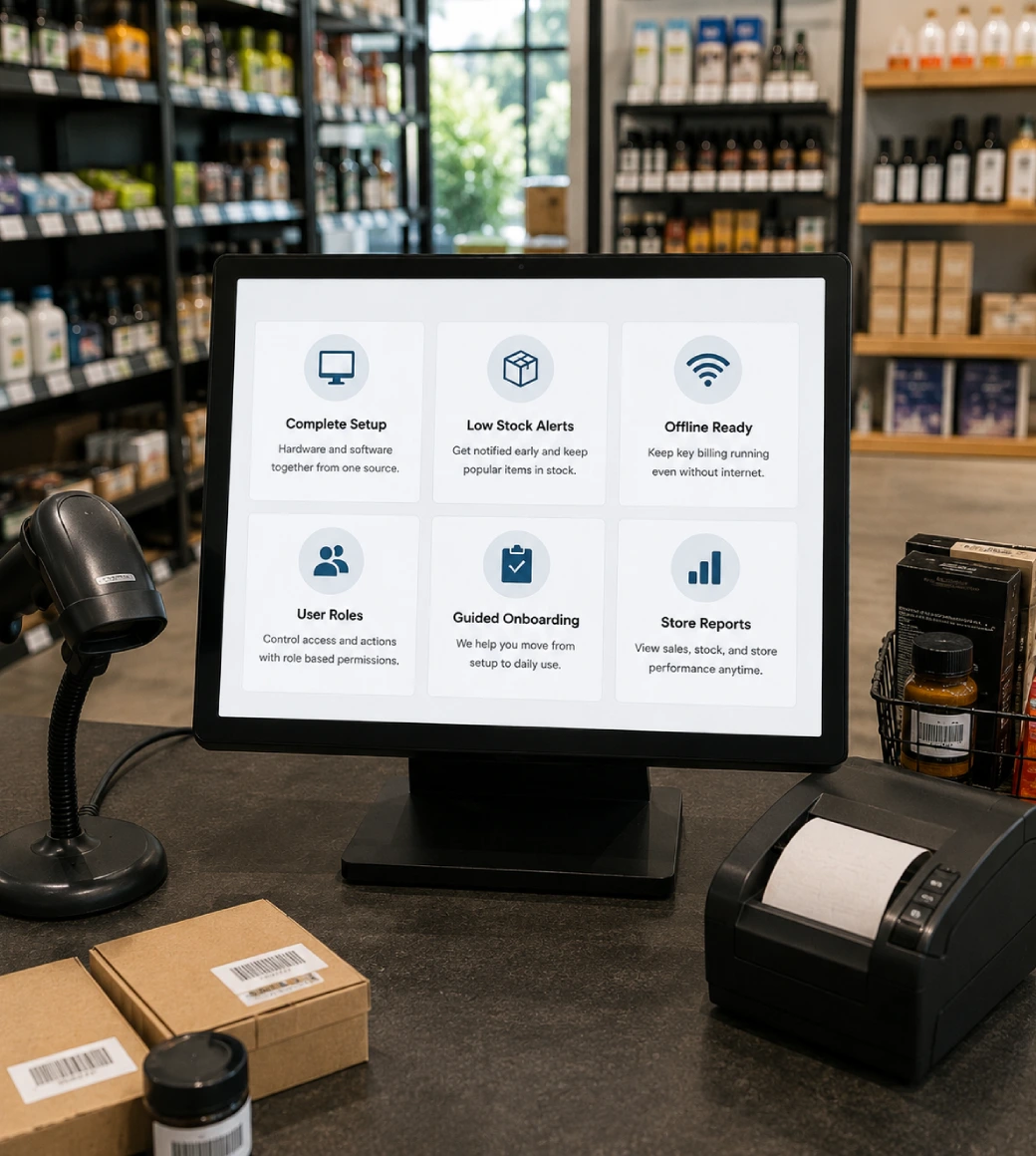

AlterPOS provides POS software and hardware together, helping businesses plan the counter and system from one source.

AlterPOS helps catch low quantities earlier so owners can respond before popular products run out.

Supported setups help stores continue key billing work when internet access becomes limited during daily operation.
AlterPOS supports head shops, specialty retail businesses, retail stores, restaurants, cafes, grocery stores, and supermarkets

Role based access helps owners control sensitive POS actions and keep staff permissions clearer during daily use.

AlterPOS helps the business move from installation to daily use with clearer onboarding and support after launch
Find quick answers to common questions about AlterPOS, including supported businesses, billing, inventory, tax setup, and offline functionality.
A POS system helps a business handle checkout and daily store records from one setup. AlterPOS can be planned around the store’s counter flow, product range, and operating needs.
AlterPOS supports specialty stores, local service counters, and other business types that need a reliable POS setup.
Yes. AlterPOS can support smoke and vape shop workflows with barcode billing, product category control, and clearer inventory visibility.
Yes. Liquor stores can use AlterPOS to support faster billing, product lookup, and stock visibility for daily store operation.
AlterPOS can help review billing configuration around product pricing and local tax setup needs. Businesses should confirm tax obligations with the proper tax professional or state resource.
AlterPOS supports offline friendly operation for supported setups. This can help the store continue key billing activity when internet access is limited.
We built Monitor360 to give leaders the clarity they need to succeed. Our mission is simple: transform productivity into performance with data-driven workforce insights.
530, West Gate 2,
Ayodhya Chowk, 150 Feet Ring Road Rajkot, Gujarat 360006.
131 South End, Croydon CRO 1BJ,
United Kingdom
Sales : +91 93288 25451
Sales : +44 7562 893296