
Live Screen Monitoring Software for Real Time Work Visibility
See what your team is working on in real time. Monitor employee screens instantly, track productivity, and gain full visibility into ongoing tasks, active applications, and engagement levels with an employee desktop viewer.
Try It For Free!No credit card required
5 Min Easy Setup
What is Live Screen Monitoring Software?
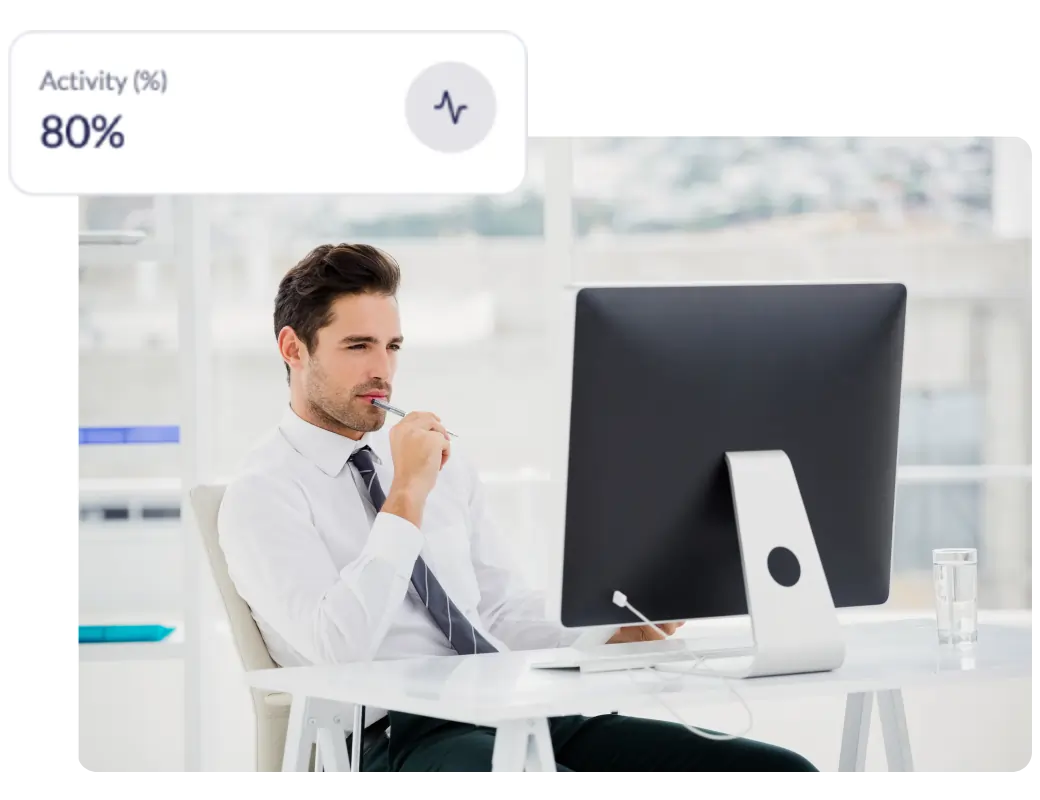
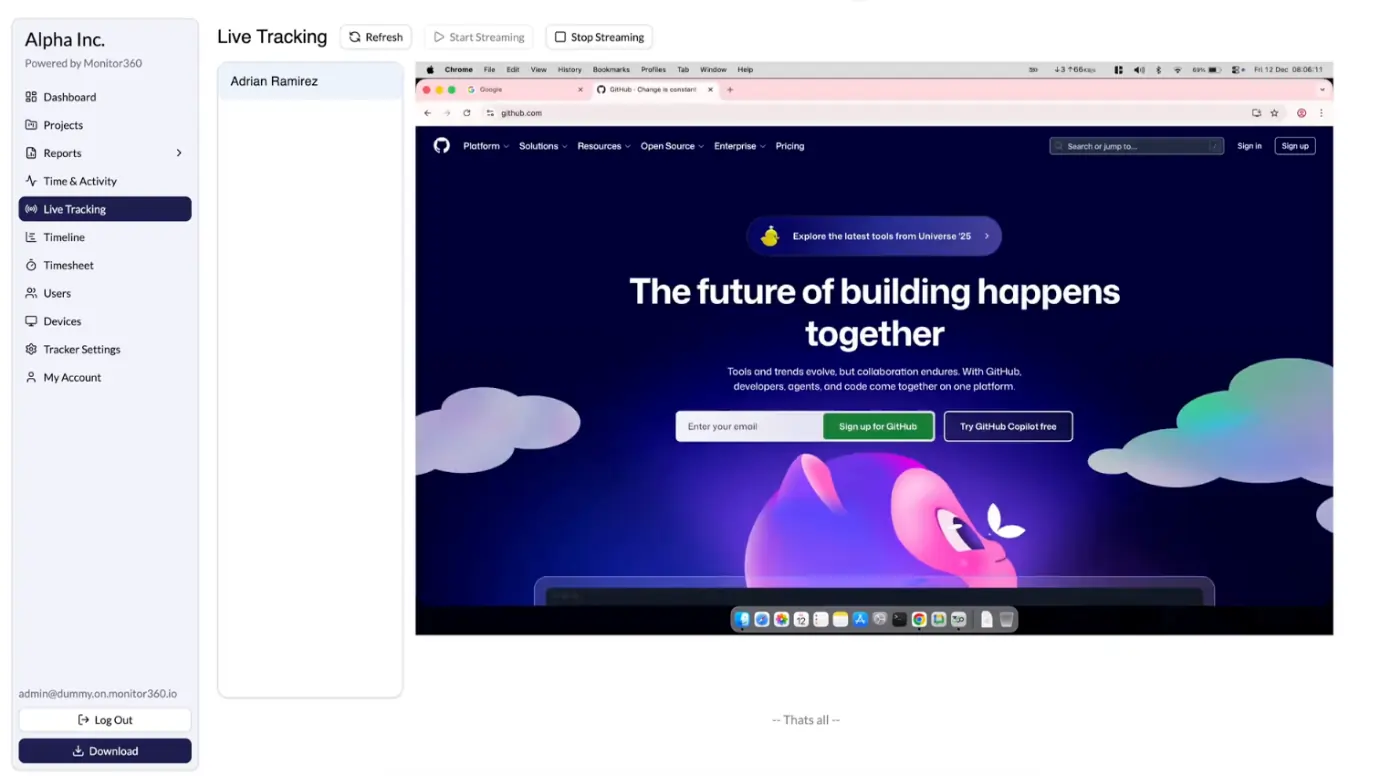
Employee live screen monitoring software lets managers and business leaders view employee computer screens in real time. It streams live activity, tracks active applications, and monitors browser tabs. This helps you improve productivity, maintain data security, and provide better support for remote teams.
Key Features of Live Screen Monitoring Software
Real-time HD Live Screen Streaming
Watch employee computer screens in high definition as they work. Get instant visibility into ongoing tasks, active applications, and engagement levels.
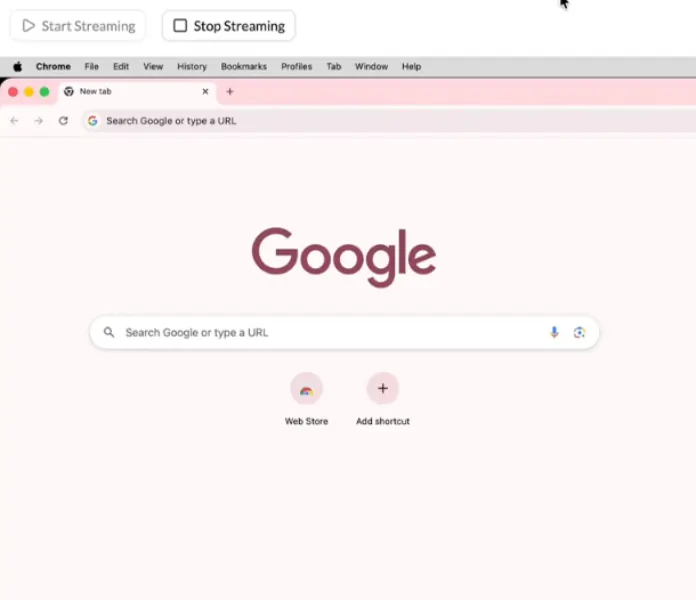
One-Click Start/Stop Controls
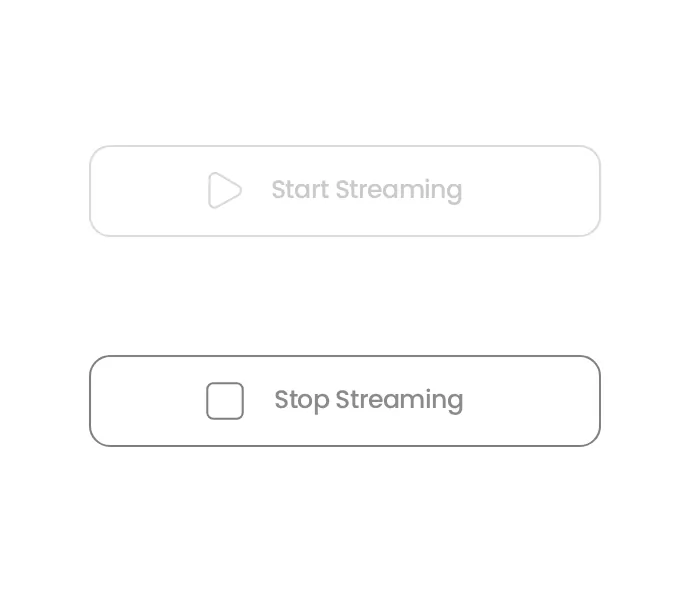
Monitor any employee’s computer screen with simple start and stop controls. Tracking work has never been easier.
Individual & Multi-Employee Live Monitoring
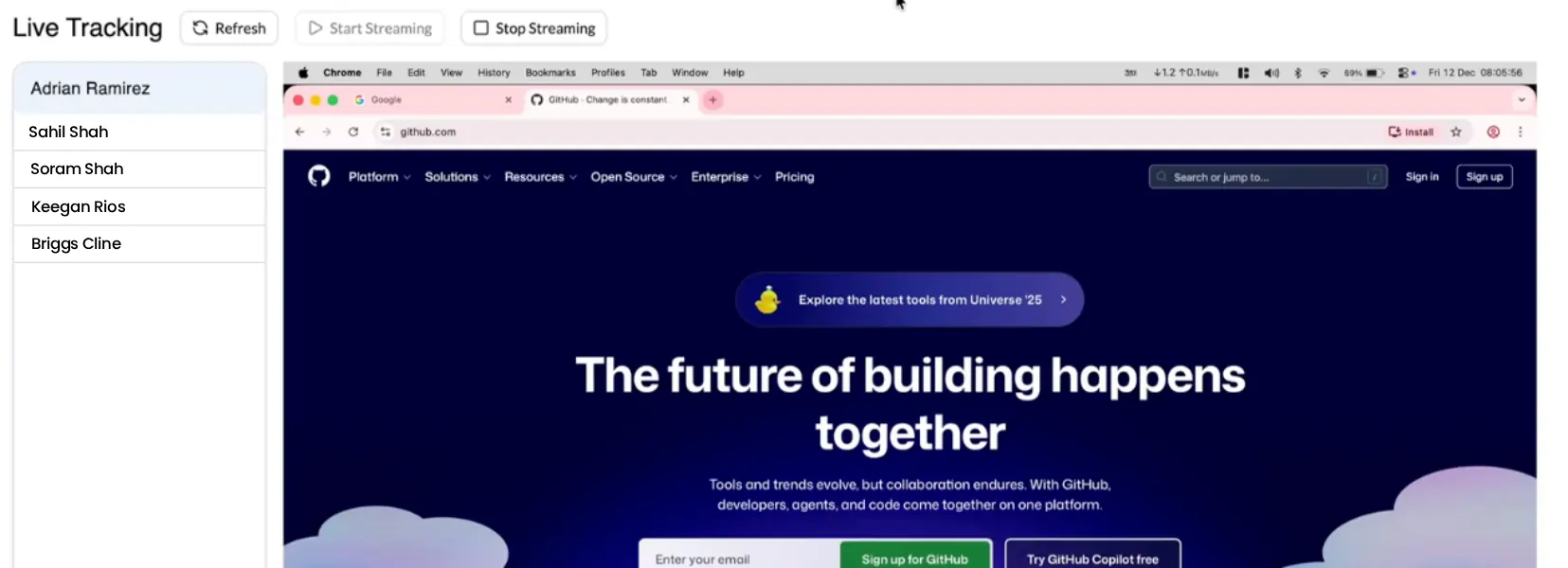
Select any employee to view their screen individually or monitor up to 6 employee screens simultaneously in one centralized live wall.
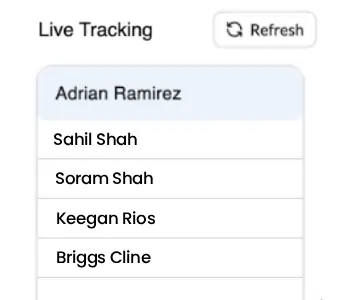
Monitor Without Disruptions
Access screens discreetly without pop-ups or alerts. Employees can work naturally while you maintain oversight.
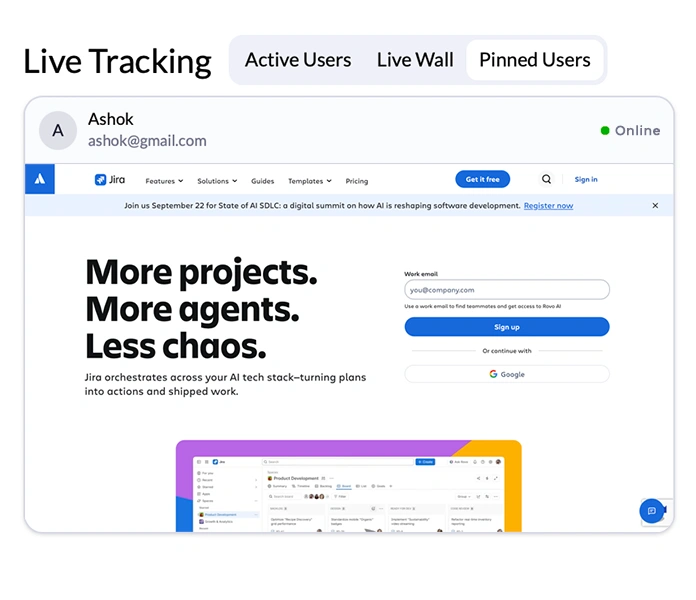
Pinned Wall for Priority Employees
Pin employees you want to monitor regularly and access their live screens instantly from one dedicated view.
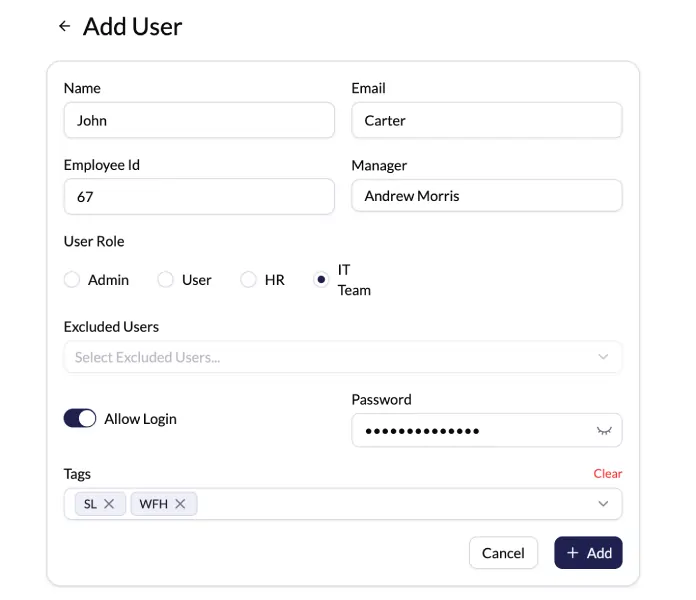
Role-Based Access Control
Set granular permissions to control who can view live screens. Keep sensitive data secure while ensuring compliance.
Multiple Screen View in Real-time
View all connected computer screens of an employee in real time, including dual and multi monitor setups. Monitor every screen from a single view
No Extra Software Required
Start employee live screen monitoring without installing additional software on employee devices. Deploy quickly and reduce IT overhead.
Secure Employee Screen Monitoring Software
Live feeds are encrypted in transit, and no data is stored outside authorized servers. Only managers with permission can view sessions. You decide what gets recorded and who sees it.



How Live Screen Monitoring Software Works
Quick Installation
Install the lightweight agent on employee computers in minutes. Compatible with Windows, Mac, and Linux.
Configure Settings
Set monitoring preferences, privacy controls, and define which employees or teams to track.
Select Employee
Browse your employee directory and choose whose screen you want to monitor.
Start Monitoring
Click "Start Streaming." Within seconds, the employee’s screen appears in HD video.
Why Employers Choose Monitor360 for Live Screen Monitoring
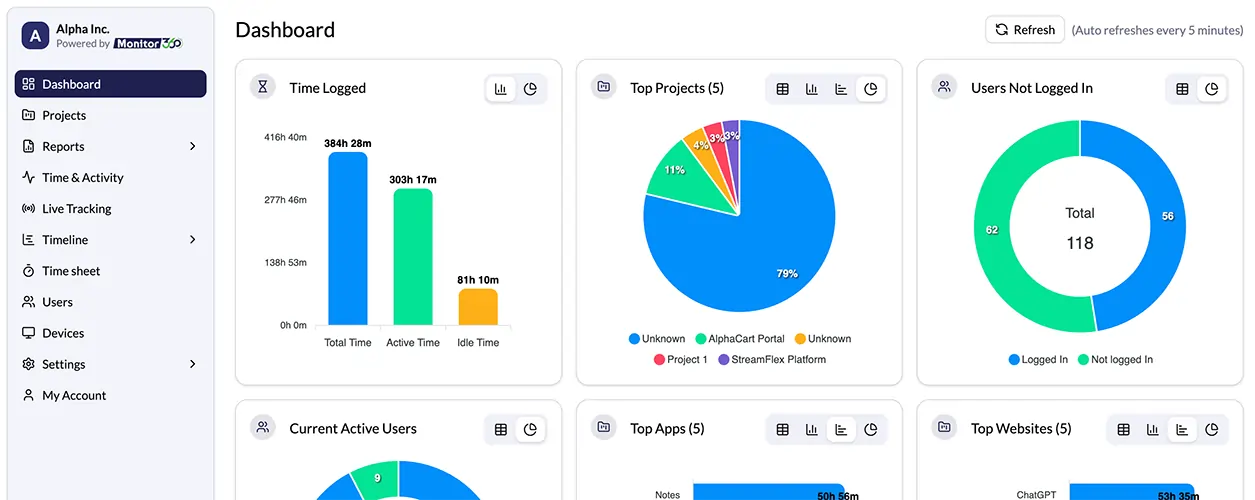
See Work in Real Time
View employee screens as tasks happen. You know exactly where time goes
Improve Productivity
Identify distractions early. Help employees stay focused on priority work.
Fix Issues Faster
Spot workflow problems instantly. Provide quick guidance and reduce delays.
Ensure Accountability
Maintain clear activity records. Support performance reviews and policy compliance.
Manage Remote Teams with Confidence
Monitor distributed teams from one place. Maintain consistent performance across locations.
Protect Data and Systems
Detect risky behavior quickly. Reduce unauthorized access and data misuse.
Support Training and Onboarding
Observe new hires during live work. Guide employees step by step.
Explore Monitor360 Other Features
Monitor360 gives you full workforce oversight through a set of focused tools. Each feature solves a specific management need.
Employee Activity and Time Tracking
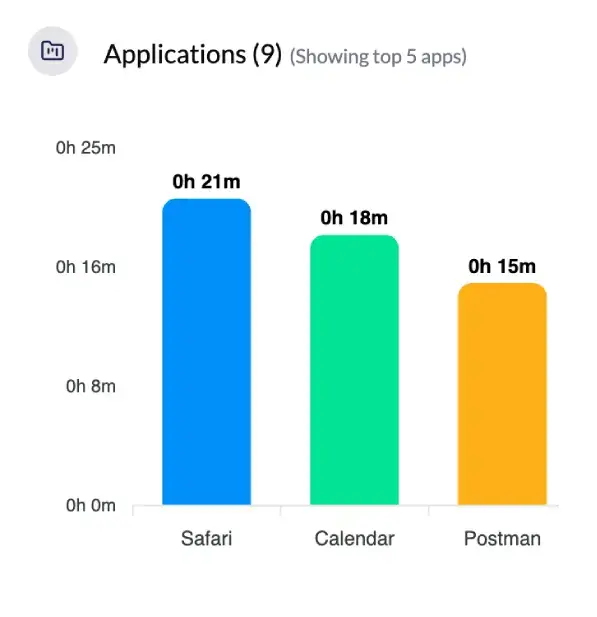
You track work hours, idle time, and task duration. You see when work starts, pauses, and ends. Reports stay easy to read.
Explore More.App and Website Usage Monitoring
You see which applications and websites employees use during work hours. You spot distractions early.
Explore More.Project & Task Tracking with Screenshots
Track projects and assigned tasks while capturing automated screenshots. Keep visual records and monitor progress in one view.
Explore More.Productivity Reports and Analytics
Get daily, weekly, and monthly reports with clear metrics. Make decisions using real usage data.
Explore More.Integrations
Monitor360 integrates smoothly with your existing tools and connects with your favorite project management, communication, and other tools, making it easy to monitor your team’s productivity. You can track progress and performance without disrupting workflow, keeping everything organized in one place.












Have Questions About Live Screen Monitoring?
Find answers to common questions about Live Screen Monitoring with Monitor360. Learn how it works, how to set it up, and how it helps you track productivity, manage teams, and protect data.
No. Monitor360 runs silently and does not send notifications or alerts.
Live monitoring shows real-time activity. Screenshots capture periodic images to maintain records.
All data is encrypted, stored on secure servers, and protected with access controls. Monitor360 complies with GDPR and HIPAA.
Yes. Track employees during their working hours without extra setup.
Teams and businesses focused on transparency, task alignment, and productivity benefit most from live screen monitoring.
Yes, in most jurisdictions, as long as employers follow labor and privacy laws, which typically require notifying employees that monitoring is in place.
In many regions, yes, usually through a written policy or employment agreement. Requirements vary by jurisdiction, so check local labor laws before deployment.
