
 AI Assistant
Sresh AI: Your Built-In Analyst for Instant Team Insights
Ask a question, get an answer. Sresh AI reads your Monitor360 data in real time and responds in plain language, so you get the visibility you need without opening a single report.
Try it For Free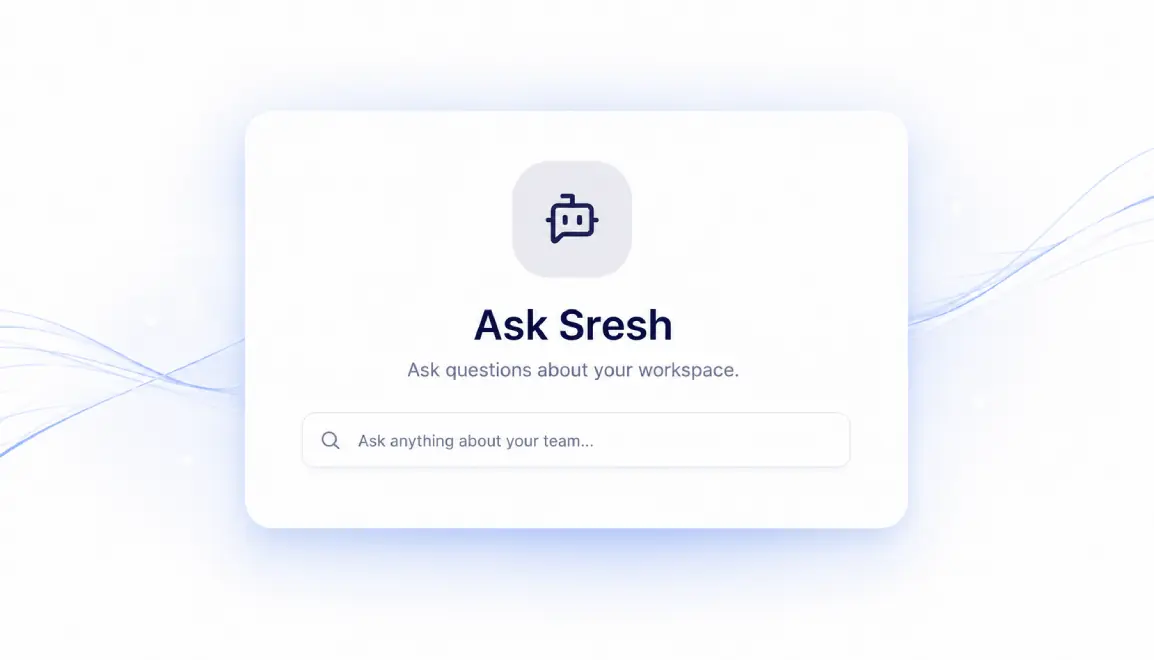
 Workforce Intelligence
What is Monitor360 Sresh AI?
 AI Capabilities
One AI Assistant. Every Workforce Insight.
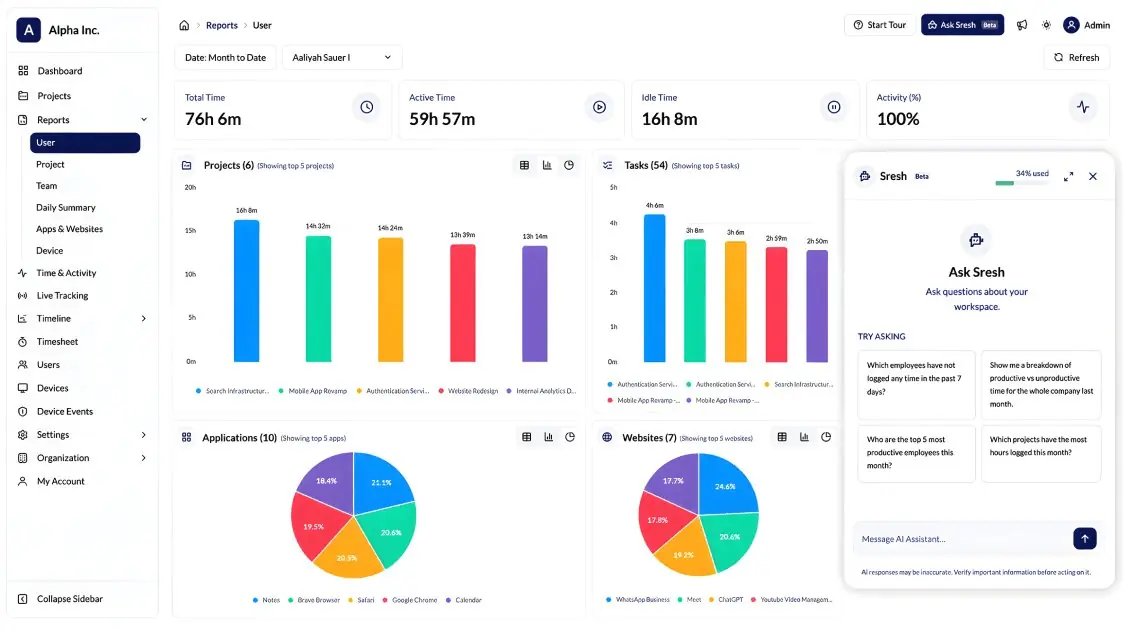
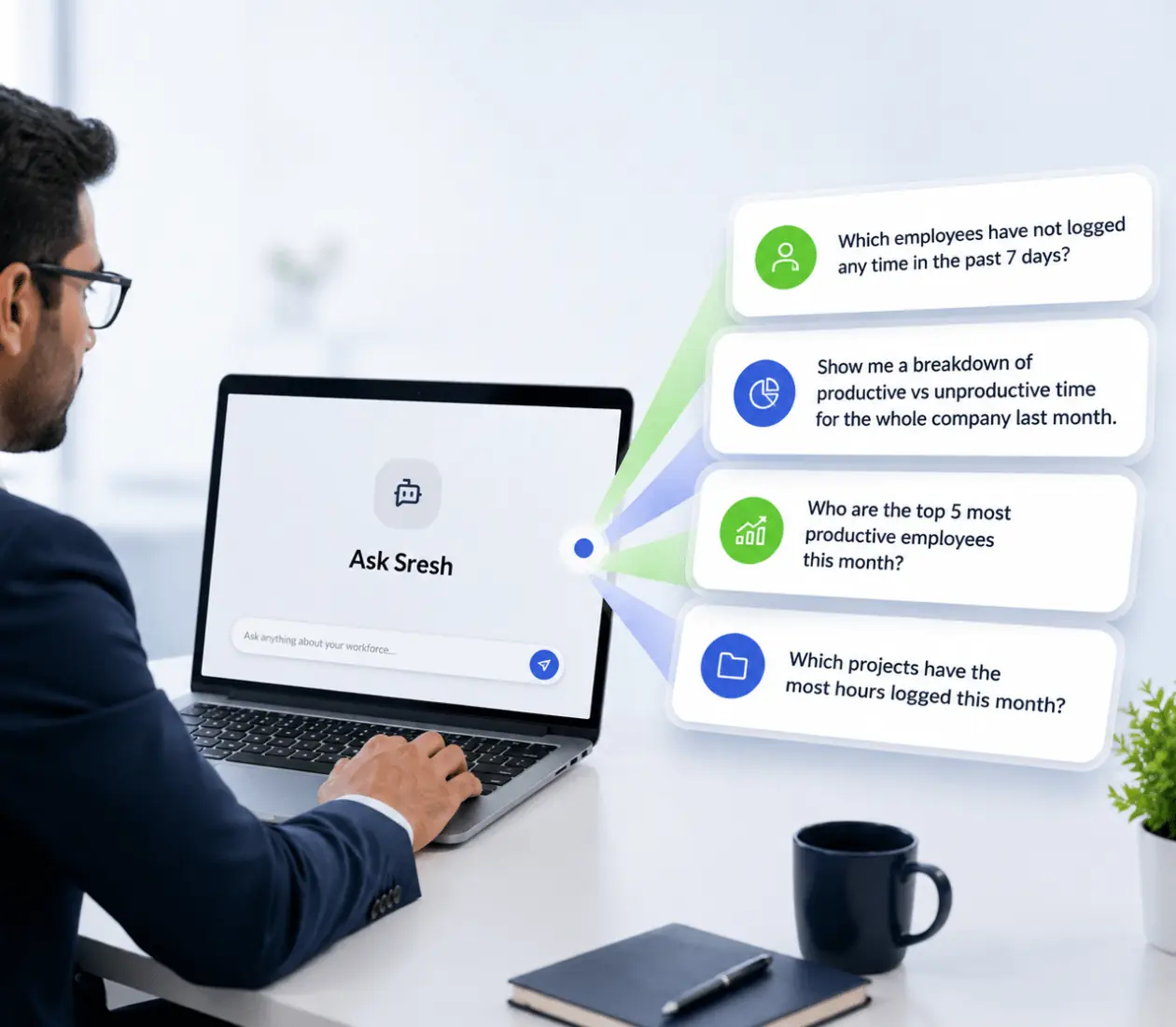
Sresh puts your entire workforce data at your fingertips through a single AI powered chat. Instead of navigating reports, dashboards, or filters, ask a question in plain language and get the answers you need in seconds.

Team & Org Understanding
Sresh knows your org chart before you ask a single question. Query team members by role, manager, or department, and get accurate answers without digging through user settings.

Attendance Intelligence
Ask who clocked in late, who missed a shift, or request a full daily summary for any date range. Sresh pulls attendance data instantly, no manual filtering required.

Productivity Breakdowns
Get a clear read on productive, unproductive, and neutral time across any team member, alongside keyboard and mouse activity metrics. Helps you spot patterns without opening a single chart.

App & Website Usage
Find out which applications and websites employees use, and for how long. Useful for spotting distractions or confirming tool adoption across teams.

Project & Task Tracking
Check project progress, task completion, and who's working on what, all through a simple question instead of a status meeting.

Device Health Monitoring
Ask about storage, memory, battery status, or the last time a device was active. Keeps IT informed without a separate device management tool.
 Quick Insights
Why Teams Choose Monitor360’s Sresh AI
Give your teams a better way to work with workforce data. Sresh AI combines conversational access, operational efficiency, and enterprise controls in one intelligent assistant.

Faster answers, zero digging
Get the exact answer you need in the time it takes to type a question not the time it takes to build a report.

Less manual work for managers
Spend less time filtering dashboards and exporting data, and more time acting on what you find.

No learning curve
If you can type a question, you can use Sresh. No training, no documentation, no query syntax to memorize.
Governed, not guesswork
Admins control exactly who has access, how much they can use, and can track usage org-wide so AI adoption stays predictable, not risky.
 Activity Tracking Setup
Get Instant Workforce Insights with Sresh AI
01 Open Ask Sresh
Click the Ask Sresh button in the top right corner of any page. The chat panel slides open instantly, no page reload, no new tab.
02 Ask in a natural Language
Type a question the way you'd ask a colleague, like "Who are the top 5 most productive employees this month?" No query syntax or filters to learn.
03 Get an Instant, Formatted Answer
Sresh analyzes your data and replies in seconds, with tables where they make the data clearer. Every time reference matches your local time zone automatically.
04 Save, Revisit, or Archive
Every conversation is saved to the sidebar, so you can pick up where you left off. Archive chats you no longer need. They stay tucked away, never deleted.
| Rank | Project Name | Hours Logged |
|---|---|---|
| 1 | AlphaCart Portal | 7,732.68 hrs |
| 2 | Unassigned/No Project | 2,358.51 hrs |
| 3 | NimbusX | 1,675.78 hrs |
| 4 | OrionERP Suite | 1,439.07 hrs |
| 5 | HealTrack | 1,364.33 hrs |
- AlphaCart Portal dominates with over 7,700 hours logged this month, which is more than triple the hours of the second-highest project.
- A significant amount of time (2,358 hours) was logged without any project assignment.
- The top 5 projects account for a substantial portion of the total logged hours this month.
 Built for Every Role
Built for Every Team That Needs Fast Answers
One AI assistant serves every department with answers customized to their role. Reduce manual effort, improve visibility, and make informed decisions from a single place.

HR Managers
Get instant attendance answers, from late clock-ins to missed days, without pulling a separate report for every date range, especially useful across high-headcount or seasonal teams.

Team Leads & Operations Managers
Check productivity, project progress, or cross-location attendance in seconds, ahead of a 1:1, stand-up, or shift review.

IT Administrators
Monitor device health and control who has Sresh AI access, plus set usage limits, all from one settings panel instead of a separate device management tool.

Business Owners & Executives
Get a daily or weekly summary of team activity without waiting on a report, opening a dashboard, or building one yourself.
Frequently Asked Questions About Monitor360 AI Assistant
Get clear answers to common questions about Sresh AI and how it works in Monitor360. From setup to daily use.
Sresh is an AI assistant built into Monitor360 that answers questions about your team's attendance, productivity, activity, and device health in natural language.
Click the Ask Sresh button in the top right corner of any Monitor360 page. The chat panel opens instantly and is ready for your first question.
Yes. Every response from Sresh reflects your local time zone, so date and time references are always accurate for your location.
Yes. Admins can enable or disable Sresh access per user and set individual monthly token limits from each user's edit screen.
Head to Settings and open the Sresh Usage section for a full view of token consumption across your organization.
Yes. Every conversation is saved in the sidebar. You can revisit past chats anytime or archive ones you no longer need, without deleting them.
Many workforce AI chat tools launch as limited betas with session-only memory and a capped set of supported questions. Sresh includes persistent chat history, archiving, and granular per-user token controls from day one.
